


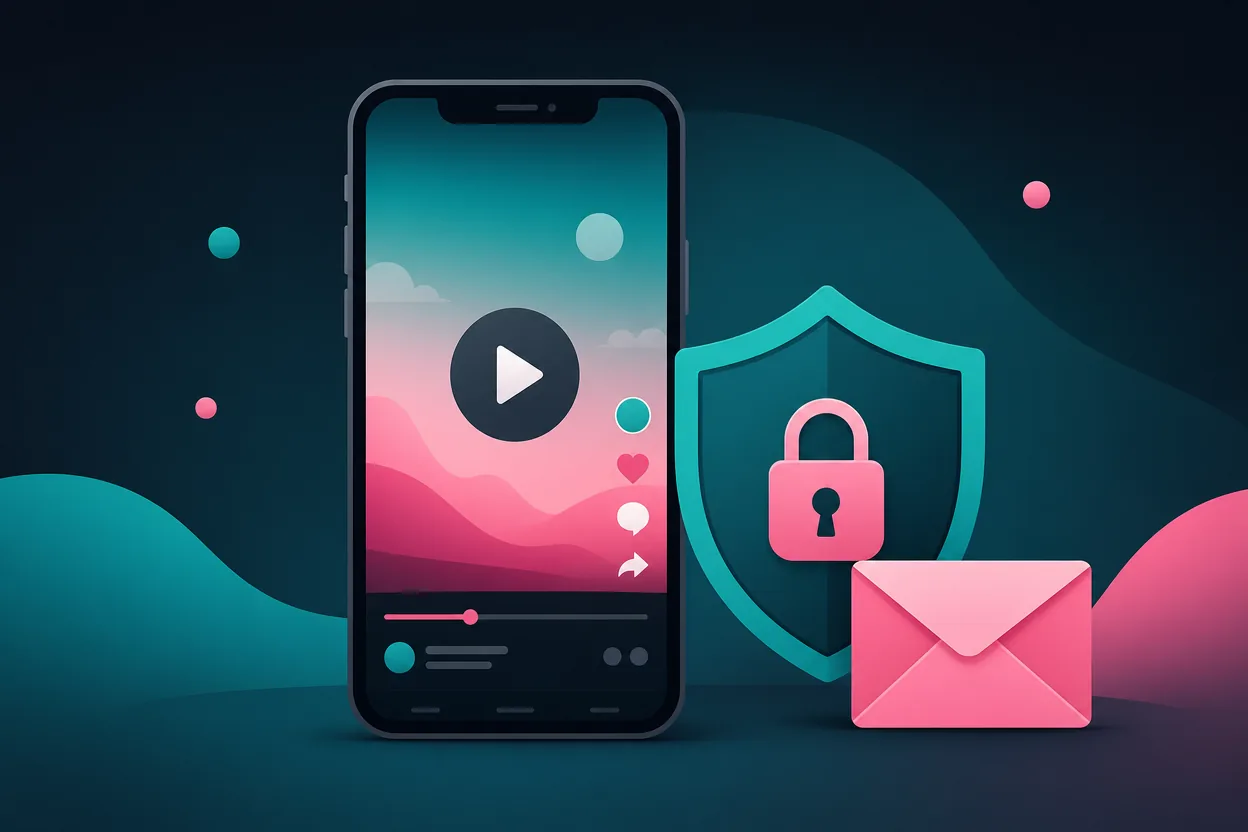

TikTok lets you sign up with an email address — and then sends a steady stream of notifications and marketing to it. Using a free temporary email address keeps all of that out of your personal inbox while you scroll, post, or run a second account.
Why use a temp mail for TikTok?
- Separate accounts — a personal feed and a creator/brand account, each with its own inbox.
- No marketing spam — TikTok’s emails land in a disposable inbox.
- Privacy first — your real identity is not attached to the account.
- Safe by design — if the address leaks, it expires on its own.
How to sign up for TikTok with a temporary email
- Open the Temp Mail email generator and copy the address.
- In TikTok, choose “Use phone or email → Email” and paste it in.
- Check your Temp Mail inbox for TikTok’s verification code.
- Enter the code and finish setting up your profile.
Remember your password
Temporary inboxes expire, so your TikTok password is what matters — save it. Add a permanent recovery email later for any account you want to keep long-term.
FAQ
Does TikTok accept temporary emails? Yes — the code arrives instantly in your temporary inbox.
Mobile friendly? Temp Mail runs on web, Android and iOS with no sign-up.
More: temp mail for Instagram · Temp Mail Guides.