


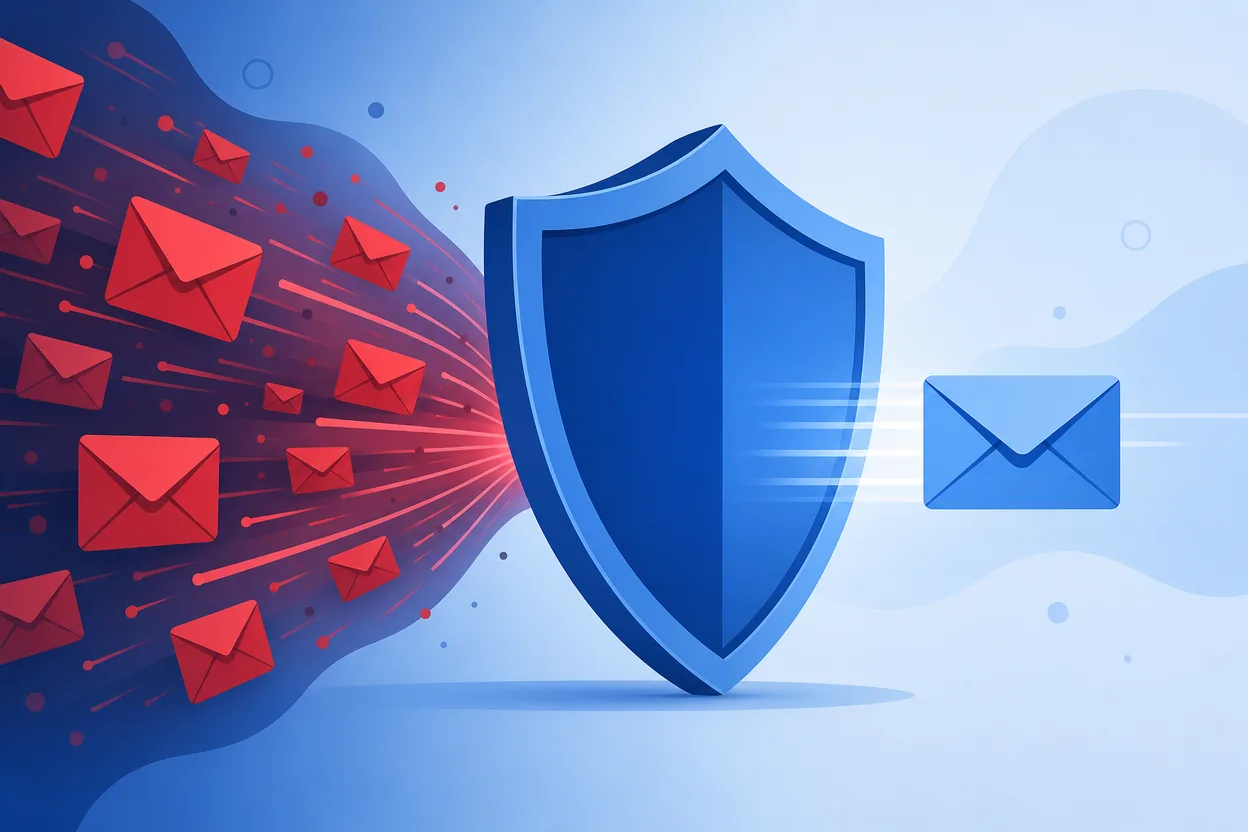
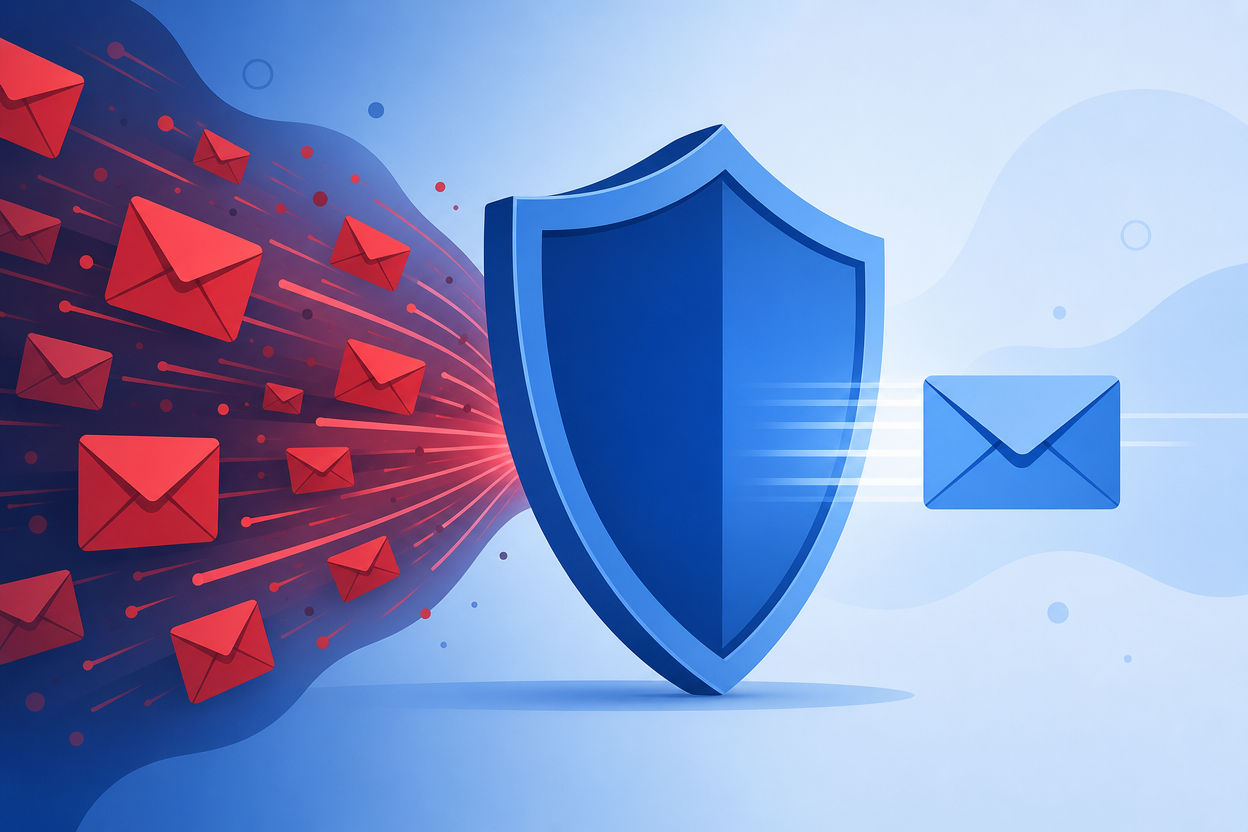
Every time you hand a website your real email, you invite a lifetime of newsletters, “we miss you” campaigns, and — if that site is ever breached — spam and phishing from strangers. Here is how to sign up for what you want and keep the junk out for good.
1. Use a disposable email for one-off signups
The single most effective habit: don’t give your real address to sites you don’t plan to hear from. Generate a free temporary email, use it to receive the verification code, and let it expire. The site can email that address forever — you’ll never see it.
2. Use aliases for mail you actually want
For newsletters you do read, use plus-addressing ([email protected]) so you can filter or block a sender later, and instantly see which company leaked your address.
3. Never use your primary email for trials and downloads
Free trials, PDF downloads, coupon unlocks, and forum registrations are the biggest spam sources. Route all of them through a temporary inbox.
4. Unsubscribe — or just abandon the inbox
Legitimate senders honour unsubscribe links. But the real power of a disposable email is that you never have to unsubscribe at all — you simply stop using the address.
5. Keep your real inbox for people, not platforms
Reserve your primary email for humans and critical accounts (bank, work, main socials). Everything else — the throwaway half of the internet — goes through a burner.
The fastest fix
- Open the Temp Mail generator and copy the address.
- Paste it wherever a site demands an email.
- Grab the code from your Temp Mail inbox and move on — spam-free.
Related: what is a burner email · are temporary emails safe?